
Understand & Fix P0735: Gear 5 Incorrect Ratio with iCarsoft CR Pro S
If your vehicle’s check engine light illuminates, you feel harsh shifting into 5th gear, or notice a drop in acceleration, a diagnostic scan will likely return P0735. This OBD-II code stands for "Gear 5 Incorrect Ratio"—a critical transmission fault indicating the Engine Control Module (ECM) or Transmission Control Module (TCM) detects a mismatch between the expected and actual speed of 5th gear. The TCM relies on input/output speed sensors to calculate gear ratios; when 5th gear’s ratio falls outside the normal range, it disrupts smooth power delivery and risks transmission damage.
Basic scanners might only flag a "gear ratio error" but can’t compare live speed sensor data, test solenoid functionality, or validate transmission adaptive learning—leaving you guessing between a faulty sensor, worn clutches, or low transmission fluid. The iCarsoft CR Pro S, with its OE-level transmission diagnostics, bi-directional control, and live data correlation, solves this. Below, we break down P0735, its causes, symptoms, step-by-step resolution, and 8 FAQs to answer common troubleshooting questions.
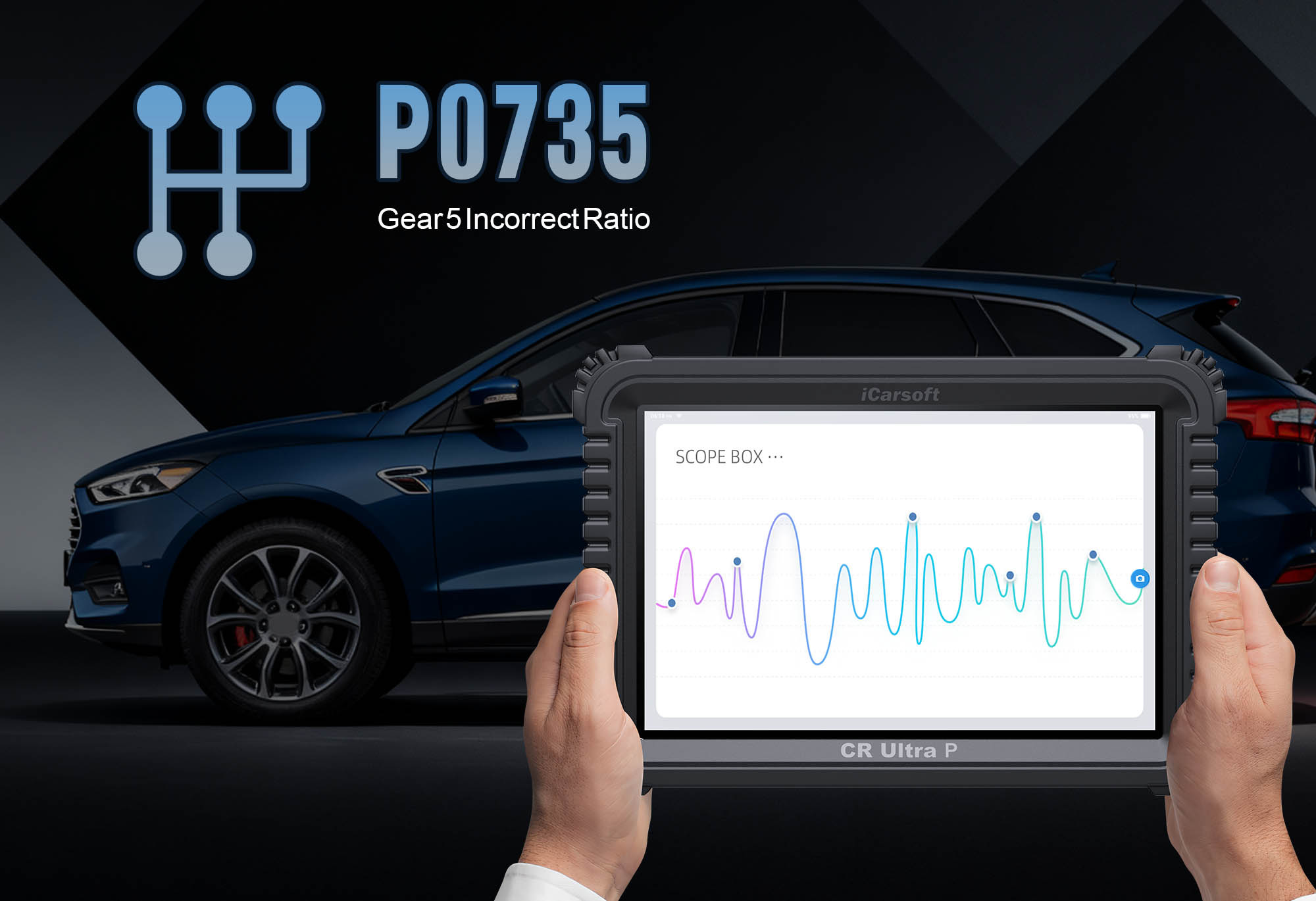
What Is P0735?
P0735 focuses on 5th gear’s ratio accuracy—a key metric calculated by the TCM using data from the input speed sensor (ISS) and output speed sensor (OSS). The ISS measures the transmission’s input shaft speed (linked to engine RPM), while the OSS tracks the output shaft speed (linked to vehicle speed). For 5th gear, the TCM expects a specific ratio (e.g., 0.8:1 for overdrive); when the actual ratio deviates by 10–20% (varies by vehicle), P0735 is triggered. This mismatch typically stems from issues like slipping clutches, faulty sensors, or hydraulic pressure problems.
Key Symptoms of P0735
- Illuminated Check Engine Light: The primary warning sign, often paired with codes like P0730 (general gear ratio malfunction) or P0720 (output speed sensor fault).
- Harsh/Delayed Shifting into 5th Gear: The transmission struggles to engage 5th gear or shifts roughly when reaching the gear.
- 5th Gear Slippage: RPMs spike without a corresponding increase in vehicle speed when in 5th gear.
- Reduced Acceleration: 5th gear’s inefficient power transfer limits highway performance.
- Transmission Overheating: Slipping clutches generate excess heat, triggering the transmission temperature warning light (if equipped).
- Default/Limp Mode: The TCM may lock the transmission in a lower gear to prevent damage, restricting speed to 30–40 mph.
Common Causes of P0735
| Cause | Description |
|---|---|
| Low/Contaminated Transmission Fluid | Insufficient or degraded fluid reduces hydraulic pressure, causing clutch slipping in 5th gear. |
| Faulty Input/Output Speed Sensors | Damaged sensors send inaccurate speed data, leading to incorrect ratio calculations. |
| Worn 5th Gear Clutches/Bands | Slipping clutches fail to maintain proper gear engagement, altering the ratio. |
| Faulty Transmission Solenoids | Solenoids regulate hydraulic pressure; a stuck or leaking solenoid disrupts 5th gear engagement. |
| TCM Malfunction | Rarely, the TCM’s internal software or hardware fails to process speed sensor data correctly. |
Why iCarsoft CR Pro S Excels at Diagnosing P0735
The CR Pro S outperforms basic tools with features tailored to transmission and gear ratio diagnostics:
Compares ISS and OSS live data, highlighting mismatches that trigger P0735 (e.g., ISS 2000 RPM, OSS 1500 RPM in 5th gear).
Activates transmission solenoids manually to verify pressure regulation—distinguishes solenoid faults from clutch issues.
Monitors fluid temperature and pressure (where supported) to rule out low/contaminated fluid.
Supports 50+ major brands with automatic/manual transmissions, including luxury and performance models.
Includes transmission adaptive learning reset, solenoid calibration, and clutch matching—critical for post-repair validation.
Visualizes ISS/OSS speeds in real time, making ratio discrepancies easy to spot.
Step-by-Step: Diagnose P0735 with iCarsoft CR Pro S
-
Confirm P0735 & Gather Data
Plug the CR Pro S into your vehicle’s OBD-II port, power on the tool, and select AutoVIN Identify to auto-detect make, model, and transmission type (automatic/manual).
Navigate to Transmission > Fault Codes > Read Codes to confirm P0735. Tap Code Details for model-specific insights (e.g., "BMW 3 Series: Gear 5 Incorrect Ratio; ISS: 2100 RPM, OSS: 1550 RPM, Expected Ratio: 0.8:1; Check 5th Gear Clutches or Speed Sensors"). -
Analyze Live Transmission Data
Go to Transmission > Live Data > Gear & Speed and monitor three key metrics:
1. ISS & OSS Ratio: In 5th gear, OSS/ISS should match OEM specs. Deviations >10% confirm P0735.
2. Transmission Fluid Temperature: Should stay 175–225°F (79–107°C). Over 250°F (121°C) = overheating from slipping.
3. Hydraulic Pressure: Low pressure in 5th gear circuit = solenoid or fluid issues. -
Test Speed Sensors & Solenoids
1. Use Bi-Directional Control > Transmission > Speed Sensor Test: Simulate signals to verify TCM registration. No response = faulty sensor.
2. Test 5th gear pressure solenoid via Actuation Test: Listen for clicking and check pressure adjustment.
3. Locate components: Use the CR Pro S’s Component Location tool (sensors on transmission case; solenoids in valve body).
4. Inspect & Test: Check sensors for damage. Use the CR Pro S’s Resistance Test (match OEM specs, e.g., 1000–1500 ohms—fluctuating resistance = faulty sensor). -
Inspect Transmission Fluid & Mechanical Components
1. Fluid Check: Verify level and condition (red/pink = good; brown/black = contaminated). Use Transmission Fluid Service (under Special Functions) to drain/refill if needed.
2. Mechanical Inspection: Look for metal shavings in fluid (clutch wear). Use Cylinder Misfire Check to rule out engine-related RPM fluctuations.
3. Valve Body Check: Clean clogged passages or replace damaged solenoid seats. -
Repair & Clear the Code
- Replace faulty sensors/solenoids. Perform transmission flush and refill with OEM-specified fluid for low/contaminated fluid.
- Professional rebuild may be needed for worn clutches. Update TCM firmware if software glitch is suspected.
- Use the CR Pro S to Clear Codes and run Transmission Adaptive Learning Reset. Test drive, focusing on 5th gear engagement.
FAQs: P0735 Troubleshooting
Short trips are possible, but 5th gear slippage and overheating can cause severe transmission damage. Avoid highway driving and diagnose with the CR Pro S immediately.
Fluid service costs $150–$300. Sensor/solenoid replacement ranges from $200–$500. Clutch rebuilds or transmission overhauls cost $1500–$4000. The CR Pro S saves on diagnostic fees ($100–$200).
The root cause wasn’t fixed. Common culprits: unaddressed fluid contamination, worn clutch packs, or a failing TCM. Use the CR Pro S’s History Log to track recurrence.
Mostly—manual transmissions rarely trigger gear ratio codes, but some modern manual systems (with speed sensors) may. The CR Pro S’s Transmission System Scan distinguishes between transmission types.
Compare live data: Incorrect ratio + erratic sensor readings = faulty sensor; Incorrect ratio + stable sensor readings + RPM spikes = slipping clutches.
Yes—use the CR Pro S’s TCM Reset function to clear old adaptive data. This ensures the TCM relearns proper 5th gear engagement.
Yes—low voltage (below 12V) disrupts TCM and sensor operation. Use the CR Pro S’s Battery Voltage Test to check for power issues.
Indirectly—if the transmission overheats or the engine runs inefficiently, emissions may increase. Fix P0735 with the CR Pro S to avoid related failures.
Conclusion
P0735’s 5th gear incorrect ratio fault threatens transmission longevity and performance, but the iCarsoft CR Pro S simplifies diagnosis with speed sensor correlation, bi-directional testing, and adaptive learning resets. It ensures you fix the root cause—whether it’s low fluid, faulty sensors, or slipping clutches—instead of just clearing the code.
With a 5-inch touchscreen, lifetime free updates, and coverage for 50+ brands, the CR Pro S is a must-have for DIYers and mechanics. Resolve P0735, restore smooth 5th gear shifting, and avoid costly transmission rebuilds—all with one professional-grade diagnostic scanner.