
P0651 Fault Code: Fix Sensor Reference Voltage Circuit Issues with iCarsoft CR Eagle (DIY Guide)
If your check engine light lights up, your vehicle sputters during acceleration, or you notice random power drops, there’s a high chance your car is throwing P0651. This critical OBD-II code stands for “Sensor Reference Voltage Circuit A Range/Performance”—a problem that targets your vehicle’s core electrical system, risking misfires, reduced fuel efficiency, and even ECU damage if ignored. Dealerships charge $250–$450 just for diagnosis, but with the iCarsoft CR Eagle, you can pinpoint the root cause, fix it yourself, and clear the code in under an hour—no advanced mechanical skills required. In this guide, we’ll break down what P0651 is, why it happens, and why the CR Eagle is a must-have for car owners tired of overpaying for simple repairs.
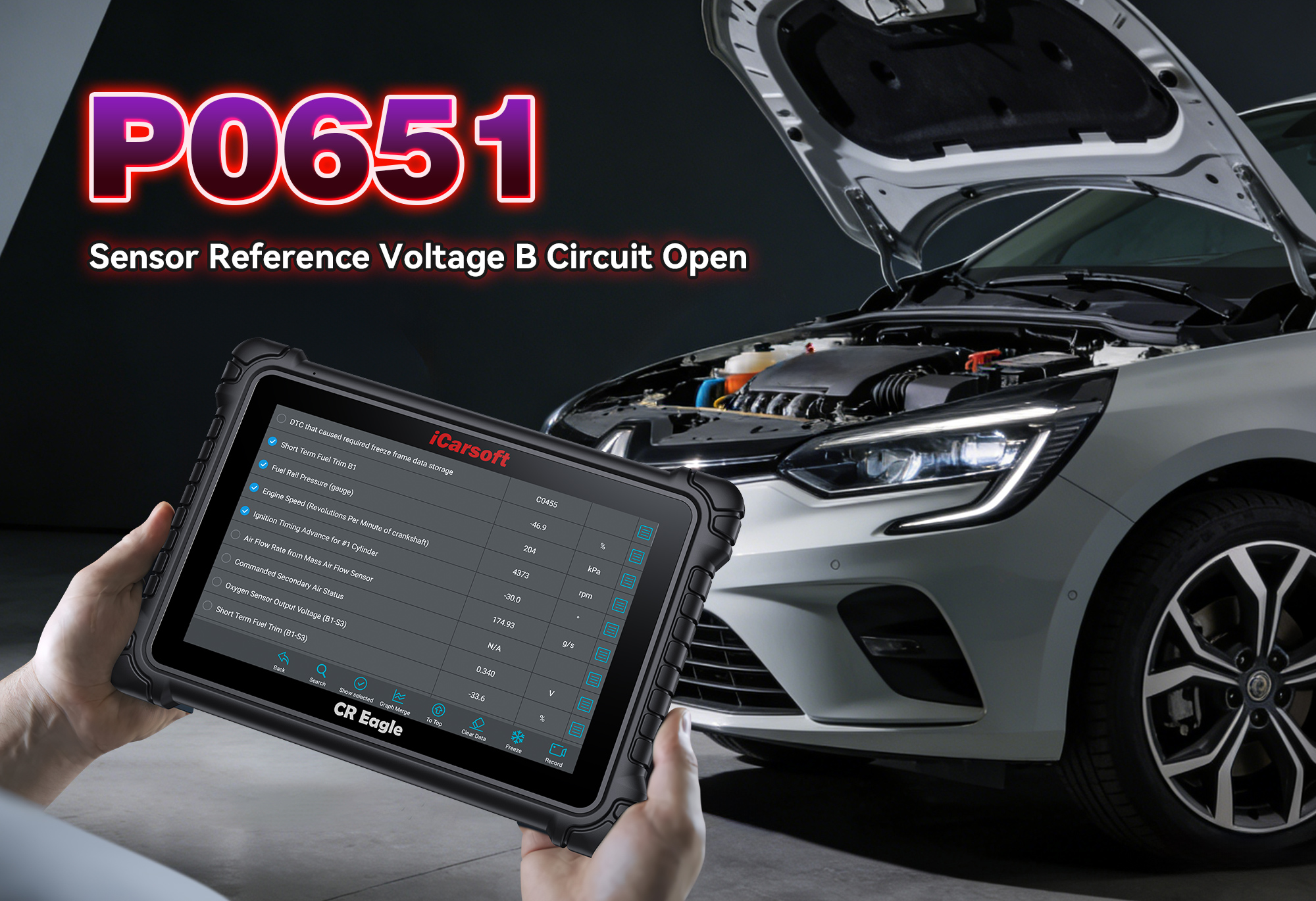
What Exactly Is P0651? (Jargon-Free Breakdown)
P0651 is a generic OBD-II trouble code that signals a problem with your vehicle’s Sensor Reference Voltage (SRV) Circuit A. Here’s what it means in plain terms:
- Your car’s Engine Control Unit (ECU) sends a stable reference voltage (usually 5V or 12V) to key sensors—like the throttle position sensor (TPS), mass airflow sensor (MAF), and oxygen sensors—so they can communicate accurate data.
- A “range/performance” error means the ECU detects the reference voltage is outside its normal operating range (too high, too low, or fluctuating erratically).
- This inconsistency disrupts sensor communication, leading to poor engine performance, incorrect fuel-air mixture, and even safety risks like unexpected stalling.
Which Vehicles Are Prone to P0651?
P0651 affects 1996+ OBD-II compliant vehicles (gasoline and diesel) with electronic sensor systems. It’s most common in:
- Ford F-Series, Mustang, Explorer
- Chevrolet Silverado, Camaro, Tahoe
- Dodge Ram, Challenger, Durango
- Toyota Tacoma, Camry, RAV4
- Honda Accord, Civic, CR-V
- BMW 3 Series, X5
- Mercedes-Benz C-Class, GLE
If you own one of these models, this guide could save you from costly ECU or sensor replacements.
Top 7 Causes of P0651 (Diagnose Like a Pro)
P0651 rarely occurs without a trigger—these are the most frequent culprits reported by mechanics and DIYers:
- Short Circuit in Reference Voltage Wiring: Frayed, damaged, or exposed wires (from underhood heat, debris, or wear) cause the voltage to short to ground or power.
- Faulty Sensor Draining Voltage: A defective sensor (e.g., TPS, MAF, or fuel pressure sensor) pulls excess current from the reference circuit, dropping the voltage.
- Corroded Connectors: Rust or dirt in sensor/ECU connectors disrupts voltage flow, leading to erratic readings.
- ECU Malfunction: Rare—only rule this out after fixing other components. A faulty ECU may fail to regulate the reference voltage.
- Battery/Charging System Issues: Low battery voltage (below 12.4V) or an overcharging alternator (above 14.8V) destabilizes the reference circuit.
- Damaged Fuse/Relay: A blown or faulty fuse/relay in the sensor circuit cuts power or causes voltage spikes.
- Aftermarket Modifications: Improperly installed accessories (e.g., winches, LED lights) draw power from the reference circuit, disrupting voltage.
Red Flags: Symptoms of P0651 You Can’t Ignore
P0651 triggers noticeable, often disruptive symptoms—don’t wait for full engine failure:
- Illuminated check engine light (primary indicator).
- Rough idling or engine misfires (especially at low speeds).
- Reduced power and sluggish acceleration.
- Poor fuel efficiency (up to 20% drop in MPG).
- Random stalling (risky in traffic or on highways).
- Inaccurate gauge readings (e.g., speedometer or fuel gauge fluctuations).
- “Limp mode” activation (ECU limits power to protect components).
Why the iCarsoft CR Eagle Crushes P0651 (vs. Basic Scanners)
Basic OBD-II scanners only “read” P0651—they can’t tell you if it’s a $10 wire repair or a $300 sensor. The iCarsoft CR Eagle is built for deep electrical system diagnostics, with features that make P0651 troubleshooting a breeze:
Dives into the ECU, sensor wiring, and individual sensors to pinpoint which part of the circuit is faulty (no guesswork).
Tracks real-time reference voltage (5V/12V) and sensor communication—see if voltage is spiking, dropping, or stable.
Tests individual sensors and the ECU’s voltage output without disassembling parts—confirms if a sensor is draining voltage or the ECU is faulty.
Works with Ford, Chevy, Toyota, Honda, BMW, Mercedes-Benz, and all major brands—plus OBDI models with included adaptors.
User-friendly for DIYers, with lifetime free updates to cover new sensor technologies and vehicle models.
Inspects hard-to-reach wiring and connectors for corrosion or damage (no extra tools needed).
Step-by-Step: Diagnose & Clear P0651 with the iCarsoft CR Eagle
You don’t need to be a mechanic—follow these 8 simple steps to fix P0651:
- Connect the CR Eagle: Plug the OBD-II cable into your vehicle’s port (under the dashboard). Use the included OBDI adaptor for older models.
- AutoVIN Detection: The tool automatically identifies your vehicle’s make, model, and engine type—no manual entry.
- Scan for Codes: Select “Engine System Scan” to pull P0651 and related codes (e.g., P0652 for low reference voltage, P0653 for high reference voltage).
- Check Live Voltage Data: Monitor the reference voltage (5V/12V) and sensor communication in real time. Fluctuations or readings outside the normal range confirm the issue.
- Run Bi-Directional Tests: Use the “Active Test” function to isolate individual sensors (TPS, MAF, etc.). If voltage stabilizes when a sensor is disconnected, that sensor is faulty.
- Inspect with Videoscope: Use the built-in videoscope to check wiring for fraying, connectors for corrosion, and fuses/relays for damage.
- Repair/Replace: Fix shorted wires, clean corroded connectors, replace faulty sensors, or replace blown fuses (parts cost $5–$300; most installs take 15–45 minutes).
- Clear Code & Verify: Use the CR Eagle to erase P0651, start the engine, and test drive (include acceleration and idle cycles). Re-scan to ensure the code doesn’t return.
FAQs About P0651 & the iCarsoft CR Eagle
Short distances (5–10 miles) are risky—stalling or reduced power can cause accidents. Diagnose with the iCarsoft CR Eagle immediately—avoid highways or heavy traffic.
Yes! It supports 58+ major makes, including Ford, Chevy, Toyota, Honda, BMW, Mercedes-Benz, and all 1996+ OBD-II compliant vehicles. OBDI models work with included adaptors.
No! The 10.1-inch touchscreen, AutoVIN function, and clear prompts make it DIY-friendly. Plus, lifetime technical support is available if you get stuck.
Absolutely. Bi-directional tests isolate sensors (disconnecting a faulty one stabilizes voltage), while live data shows if wiring shorts cause immediate voltage drops.
Dealerships charge $250–$450 for P0651 diagnosis alone. The CR Eagle costs a fraction of that, and you’ll use it for hundreds of other engine, electrical, and transmission codes over time.
Rarely. P0651 is almost always a wiring, sensor, or fuse issue. The CR Eagle helps you avoid unnecessary ECU replacement (a $1,000+ mistake).
Update every 3–6 months via free Wi-Fi—this ensures compatibility with new sensor designs and vehicle models.
Everything you need for P0651: OBD-II cable, 4 OBDI adaptors, 4 TPMS sensors, videoscope, carrying case, and lifetime free updates.
Final Thoughts: Don’t Let P0651 Disrupt Your Vehicle (or Wallet)
P0651 is a warning sign that your vehicle’s electrical system is out of balance—but you don’t have to pay a dealership fortune to fix it. The iCarsoft CR Eagle puts professional-grade diagnostics in your garage, so you can pinpoint P0651’s root cause, make affordable repairs, and get back on the road safely. Whether you’re a DIY enthusiast, a daily driver, or someone who hates surprise repair bills, the CR Eagle is a long-term investment that pays for itself with one use.
Don’t let P0651 lead to engine damage or costly ECU repairs. Grab the iCarsoft CR Eagle today and keep your vehicle’s electrical system (and wallet) in top shape for years to come.
Got questions about P0651 or the CR Eagle? Drop a comment below—we’re here to help!
Disclaimer: This guide is for informational purposes only. Always consult your vehicle’s owner’s manual or a certified mechanic before major repairs. iCarsoft is not responsible for damage from improper tool use.